Command Center
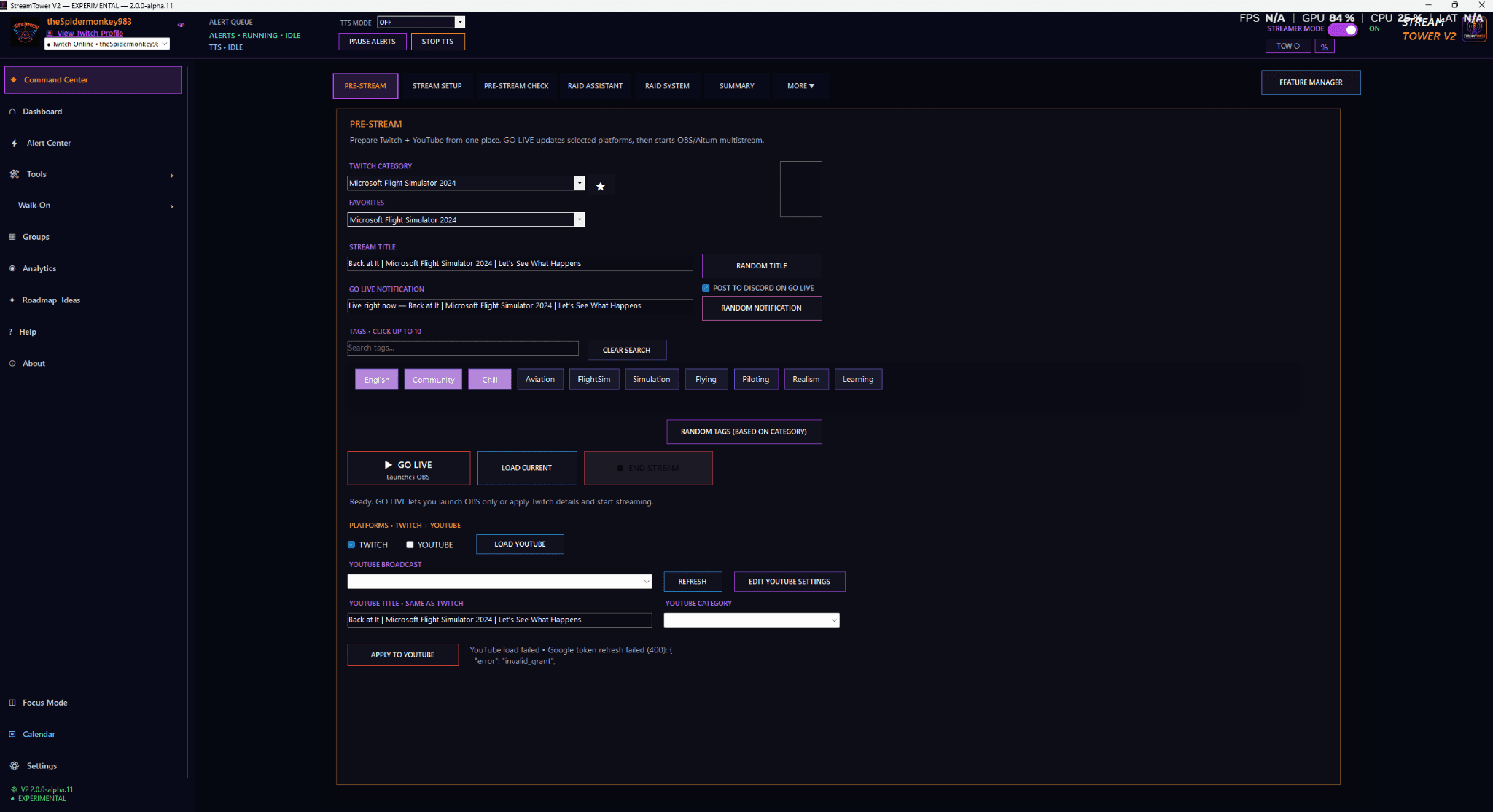
Prepare stream details, platform settings and go-live workflows from one place.
DISTRICT 83 / PRODUCT 001
TWITCH-FIRST CREATOR CONTROLCreator control, one tower. StreamTower brings the moving parts behind a modern livestream into one Windows workspace—production controls, alerts, automation, creator tools, music, voice control, analytics and connected-platform workflows.
BUILT BY DISTRICT 83
BUILT FOR CREATORS
StreamTower is being built as a creator-first control platform: configurable enough for advanced production, but organized so everyday stream operations do not require a pile of disconnected tools.
Prepare stream details, platform settings and go-live workflows from one place.
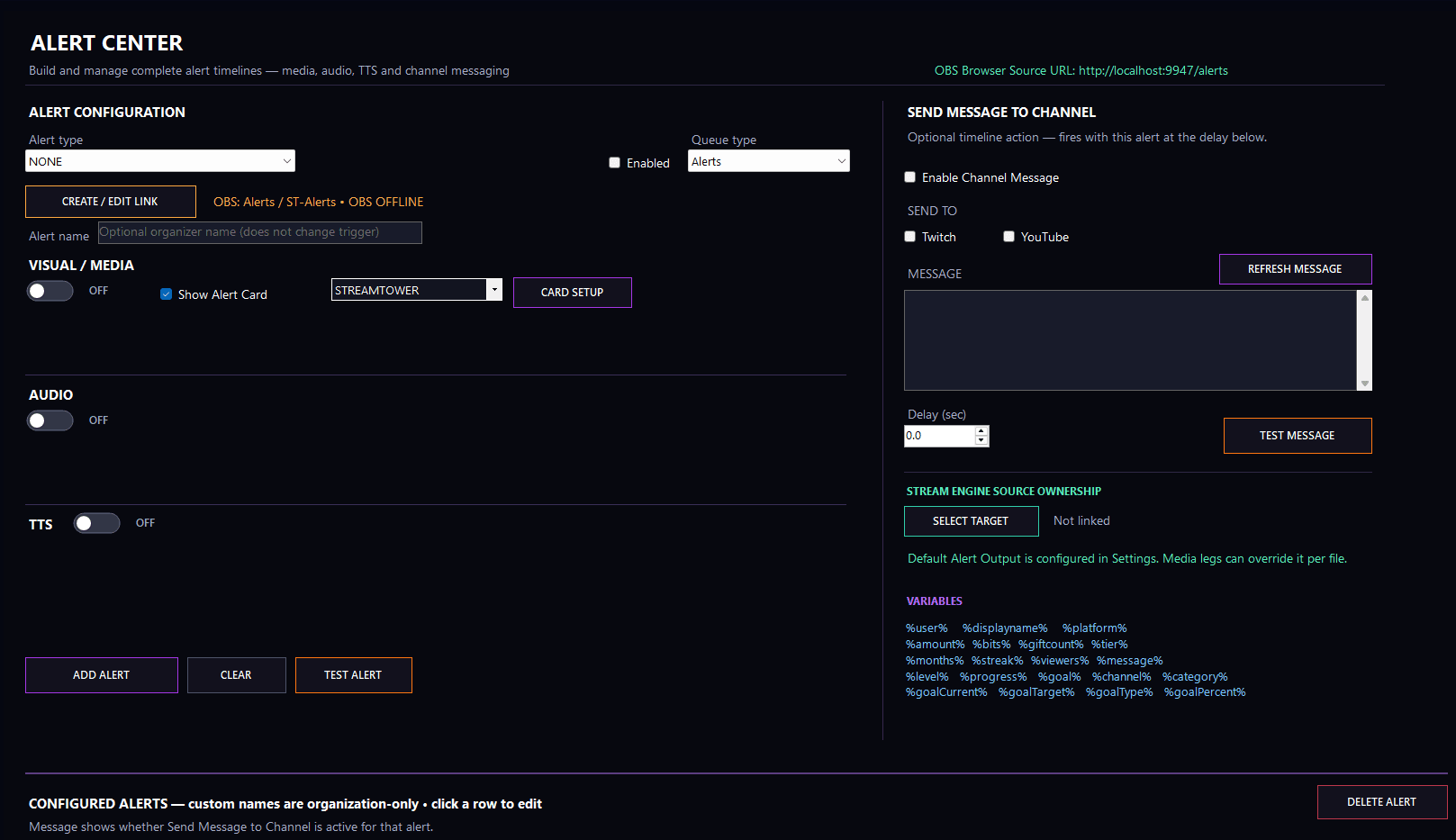
Build alert timelines with media, audio, TTS, messaging and event-driven actions.
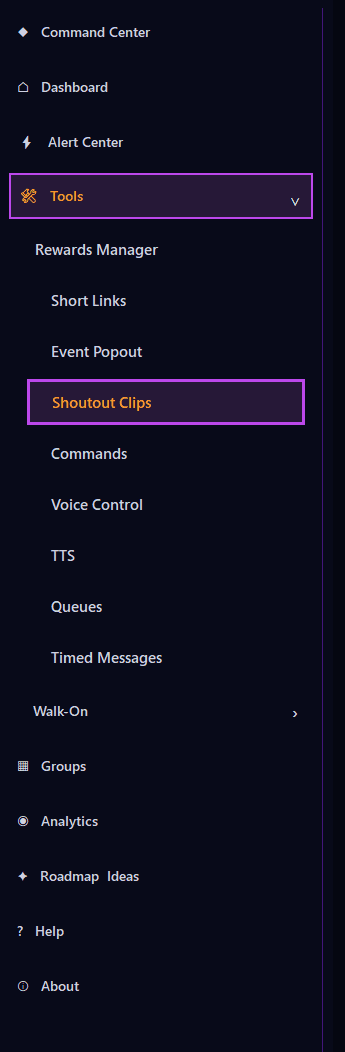
Rewards, short links, event popouts, shoutout clips, commands, voice control, queues and more.
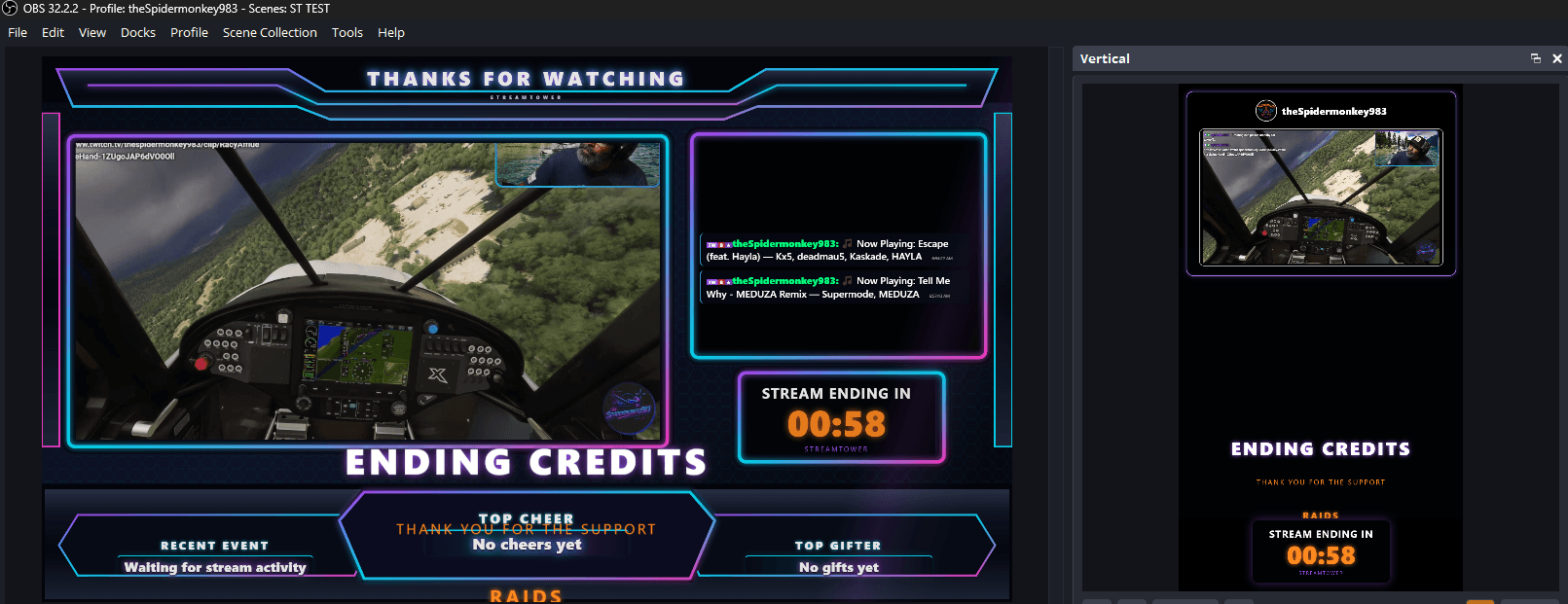
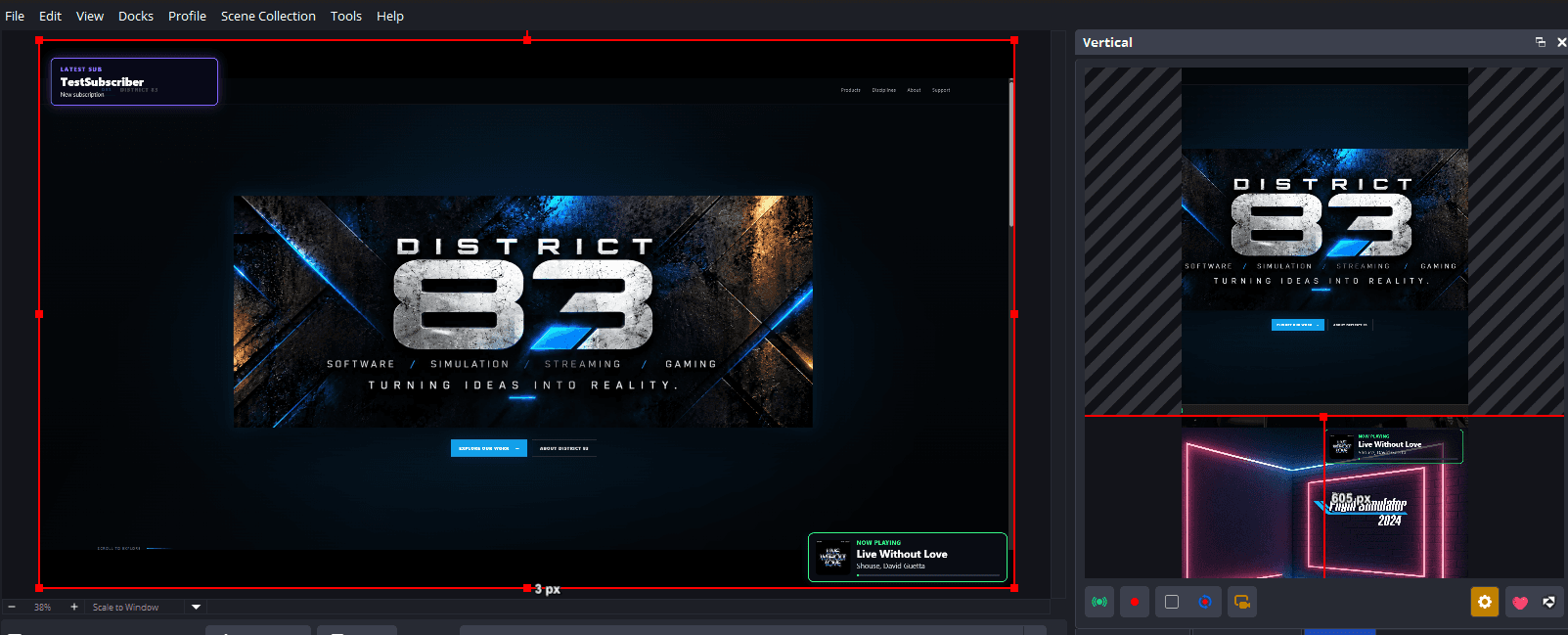
Work alongside OBS and vertical workflows while StreamTower manages creator-facing systems.
Track audience activity, raids, rewards, stream health, schedules and planning data.
Twitch-first creator workflows with supported YouTube integration and combined chat.
PREPARE + CONTROL
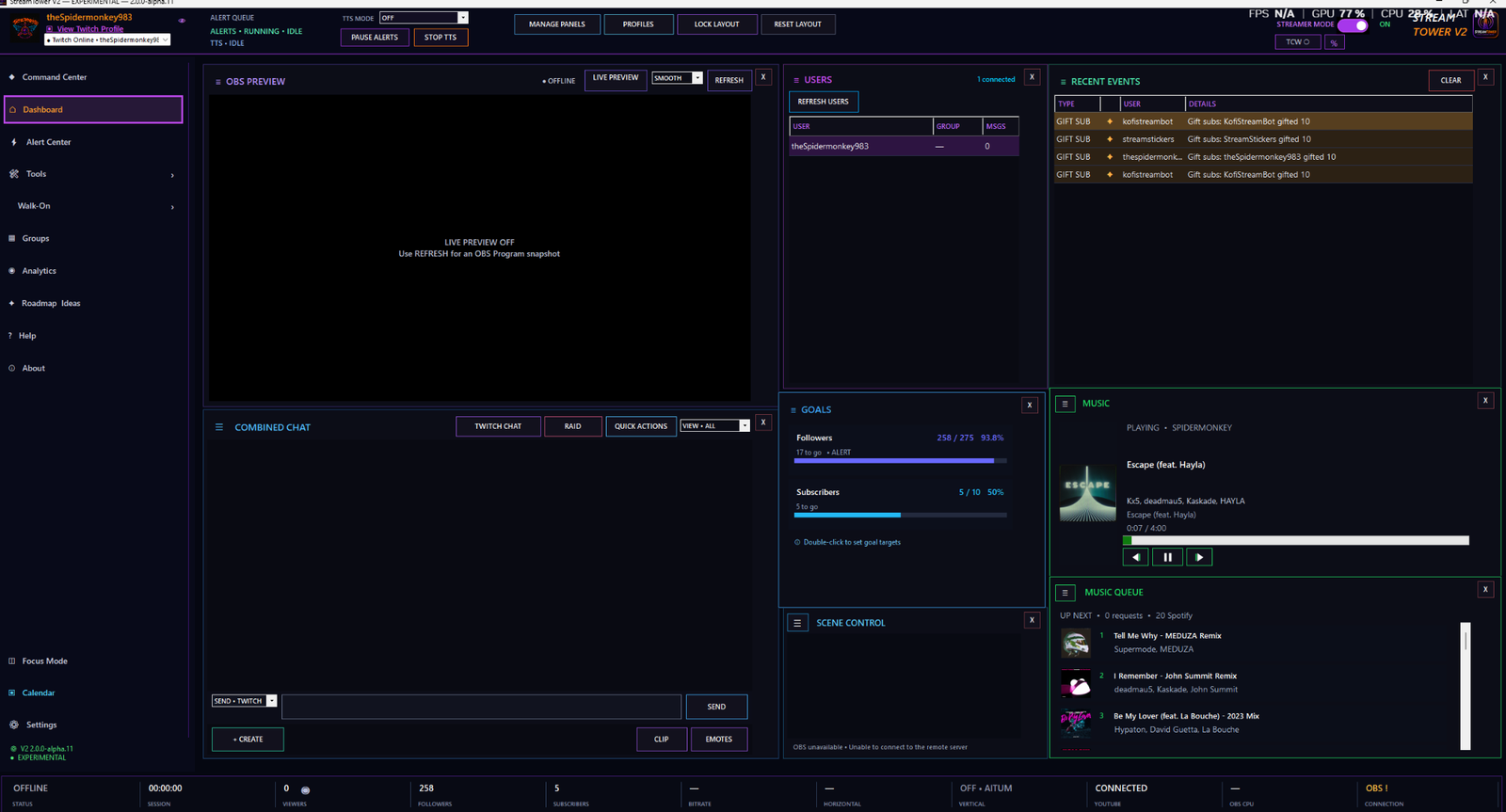
Command Center brings stream setup and platform workflows together, while the Dashboard keeps the systems you watch during a broadcast within reach.
AUTOMATE + RESPOND
Alerts and event actions live alongside rewards, short links, event popouts, shoutout clips, commands, voice control, TTS, queues and timed messages.
MORE THAN A CONTROL PANEL
StreamTower brings the small jobs that interrupt a broadcast into the same creator workflow—so setup, control and audience interaction can work together instead of becoming seven more apps to manage.
Build customizable spoken triggers for StreamTower actions, OBS scenes and sources, microphone control, Twitch clips and supported creator workflows.
Schedule recurring chat messages with configurable timing, command behavior and broadcaster or bot-account delivery options.
Prepare stream titles and supported platform metadata before going live, keeping the pre-stream workflow inside Command Center.
Bring the end-of-stream raid workflow into StreamTower so wrapping up a broadcast does not mean jumping between tools.
Keep audience activity, raids, rewards, stream health, schedules and planning data connected to the same creator workspace.
Use configurable text-to-speech voices with alerts and events, including provider and voice behavior designed around the stream.
CHAT WHERE YOU NEED IT
Keep live chat visible without giving up screen space. StreamTower's transparent chat window can be positioned and sized around the creator's workspace, then locked in place once the layout is set.
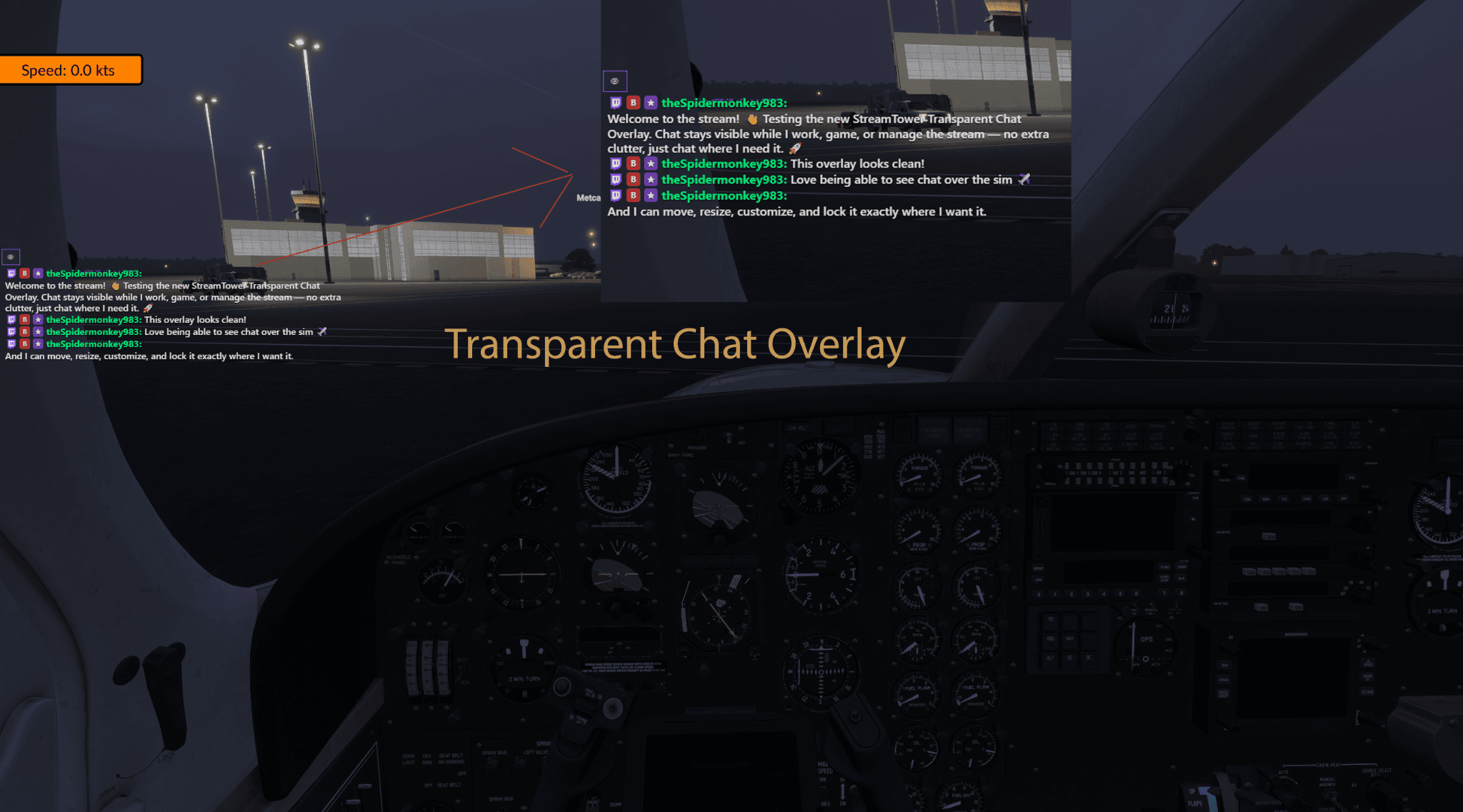
Transparent Chat Overlay in the live creator workspace
BUILT FOR REAL PRODUCTION
StreamTower is designed to live in the production workflow—not beside it. Its overlays, lifecycle scenes, music, alerts and creator systems can feed the horizontal and vertical experiences viewers actually see.
UNDERSTAND THE STREAM
Live activity, audience, raids, rewards, health, scheduling and planning data stay part of the same creator workspace.

BUILT AROUND LIVE COMMUNITY
Twitch is a central part of StreamTower: live chat, Combined Chat, EventSub events, follows, subscriptions, raids, Bits, channel rewards, shoutouts, alerts and creator automation work together in one Windows workspace.
Dedicated Twitch Chat, Combined Chat, timed messages, bot-account replies and interactive creator tools.
Follows, subs, gift subscriptions, Bits, raids and channel point rewards can drive alerts, media, TTS and custom actions.
Shoutouts, clips, commands, rewards, queue management, analytics and stream preparation built around Twitch creators.
CONNECTED SERVICES
StreamTower can connect to a creator's Google/YouTube account to enable supported YouTube creator features. Connection is optional and requires the user to authorize access through Google's OAuth consent flow.
A DISTRICT 83 PRODUCT